

Understanding Analytics
 0
0Frequently Asked Questions
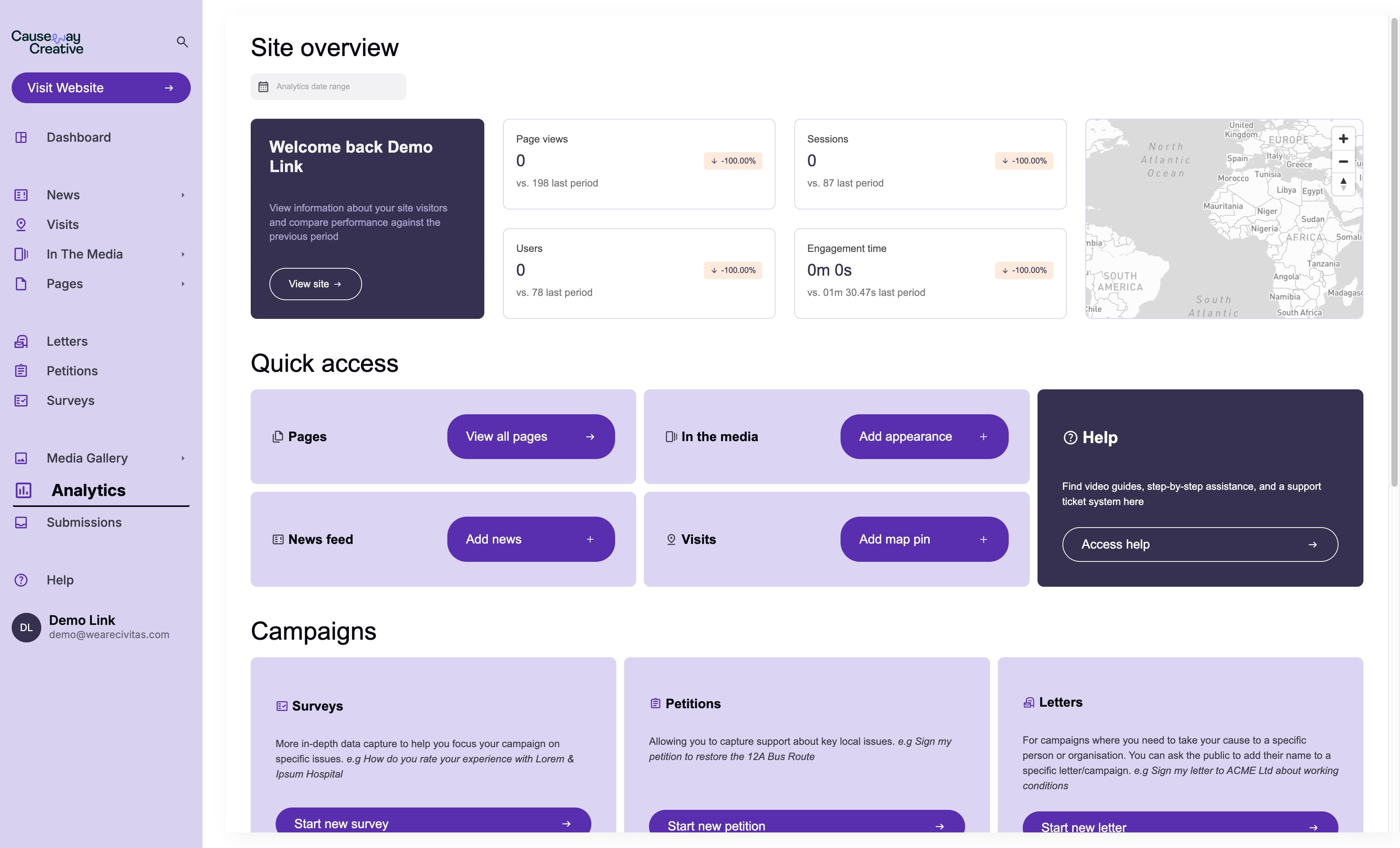
- What is the difference between "Sessions" and "Page views" in the Analytics section?
"Sessions" represent the total number of times your website has been accessed, even if a user visits multiple times within a period. "Page views" count every time a page is viewed, so a single user can contribute to multiple page views within a session.
- What does "Engagement time" measure, and why is idle time excluded?
"Engagement time" reflects the average amount of time users actively interact with your website. It excludes idle time because that wouldn't represent genuine engagement with your content.
- How can I tell where my website traffic is coming from?
The "Traffic sources" section reveals how users found your website. It categorizes traffic sources, including "Direct" for users who typed the URL directly into their browser, as well as other sources like search engines or social media.
- What does "Engagement rate" tell me about my website's effectiveness?
"Engagement rate" shows the percentage of users who interact with your website in a way that triggers an Event. A higher engagement rate suggests your content is engaging and prompting users to take actions, such as viewing pages or completing forms.